






Find out where the job runs
An AI trading agent can keep running with your computer off if its recurring work runs on a server. A script running only on your laptop stops when that machine sleeps or shuts down. The broker connection alone does not tell you which setup you have.
| Where it runs | After you shut down |
|---|---|
| Local script or desktop process | No new decisions unless a separate hosted runner continues the job. |
| Hosted scheduled agent | Reviews can continue on the service’s servers, subject to connection, balance and service availability. |
| Accepted order at the broker | The broker handles it under its order terms, independently of the agent. |
What Agency does
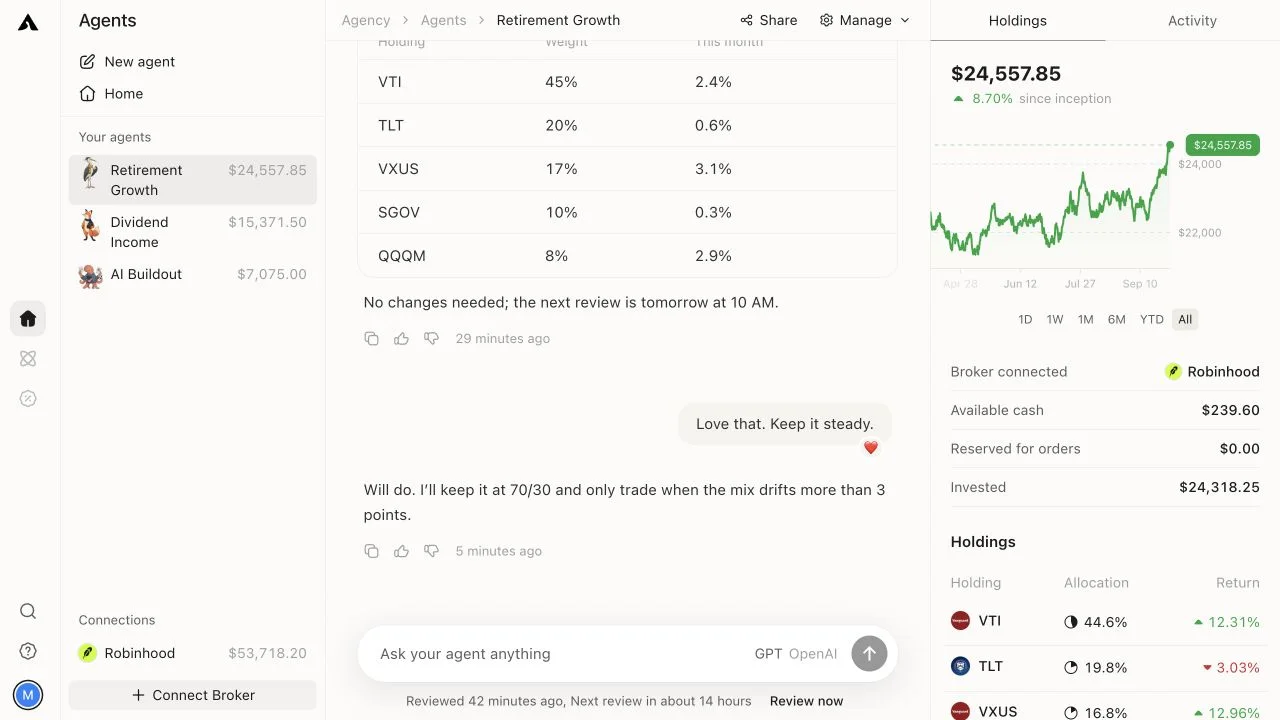
Agency runs reviews on its servers. Closing the browser does not pause a funded agent. The current default is 9:45 AM Eastern on weekdays, unless its plan specifies a different schedule.
A review is a point-in-time decision. Agency does not continuously watch prices between reviews. A supported resting order can remain at the broker, but a sentence asking an agent to watch a price is not itself an order.
Closing, pausing and cancelling are different
To pause one agent, use Manage → Pause reviews. To pause all agents, use Settings → Pause reviews. This prevents reviews; it does not cancel orders already at the broker. Trades you explicitly request in chat can still be confirmed.
Pausing leaves existing holdings and broker orders in place. Check open orders separately when stopping a strategy. A pending order may already have partially filled.
If an agent missed a review, inspect its schedule, pause state and connection before assuming your closed laptop caused it. The troubleshooting guide follows that sequence.